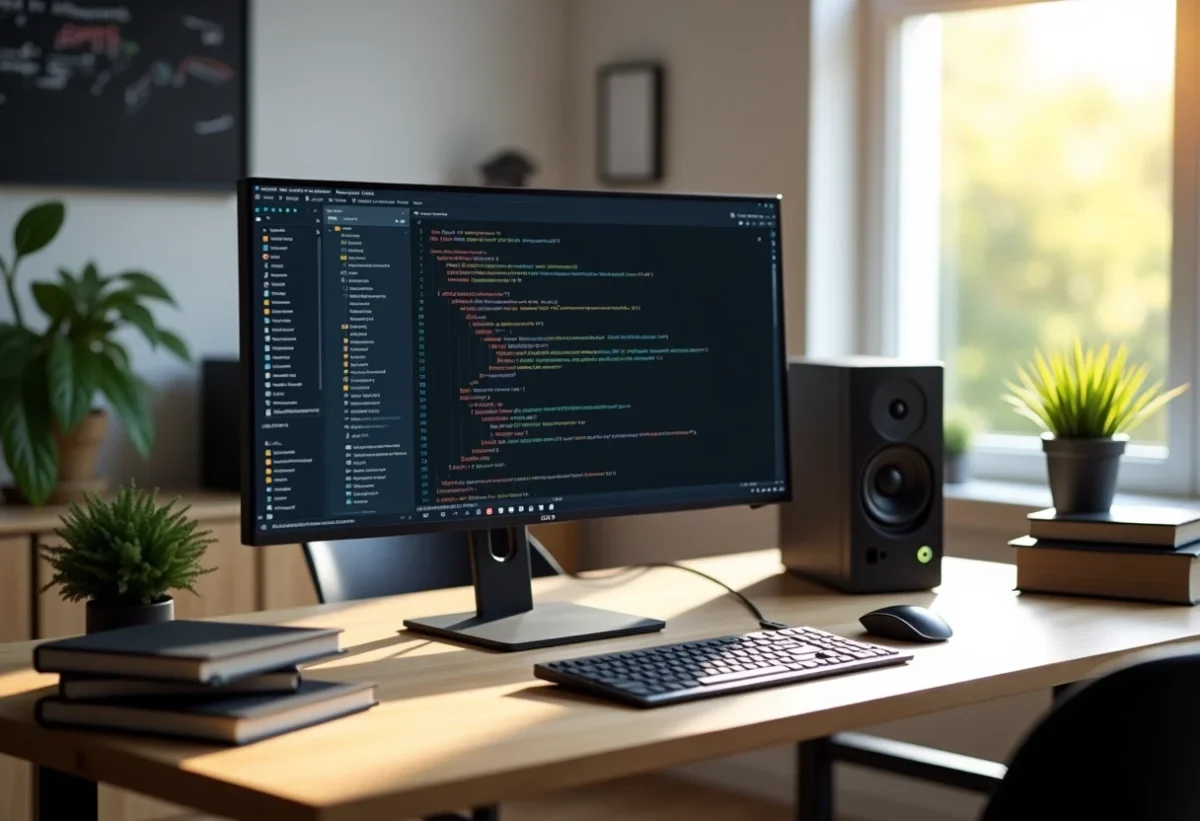
Working efficiently as a developer requires a well-configured environment. When every minute counts, the right tools can make all the difference. A version manager like Git simplifies collaboration and tracking changes. Modern code editors such as Visual Studio Code offer extensions that boost productivity.
Container integration with Docker allows for standardizing development environments, eliminating configuration-related issues. Using dependency managers like npm or pip ensures that all necessary libraries are up to date. Debugging tools and automated testing guarantee robust and reliable code.
The best text editors and IDEs for effective development
To optimize your local development environment, you need to choose the right text editors and IDEs. They offer a multitude of features that enhance productivity and code quality. Here are some essential tools:
- Sublime Text: Sublime Text is a powerful text editor based on a cross-platform graphical interface. Its clean interface and numerous extensions make it a popular choice among developers.
- Visual Studio Code: Visual Studio Code is a free source code editor developed by Microsoft. It is particularly appreciated for its advanced features, such as Git integration, extensions, and built-in debugging. Setting up a localhost 8080 server for development is a breeze.
- Chrome DevTools: Integrated into Google Chrome, this tool allows you to debug and analyze the performance of web applications. It is essential for any web developer working with HTML, CSS, and JavaScript.
- CodePen: This online development platform allows you to test and share code live. Ideal for experimenting and getting quick feedback.
Complementary tools to enhance your environment
Some tools, although less known, can significantly improve your workflow:
- D3.js: A JavaScript data visualization library, perfect for creating interactive and complex charts.
- Prettier: A JS code formatter that applies a consistent style by analyzing your code to improve readability.
- Minify: Reduces the total size of your application’s code, thus optimizing performance.
These tools, combined with robust text editors and IDEs, will help you set up a high-performing and efficient web development environment.
Version control and containerization tools for an optimal development environment
To maintain a high-performing local development environment, version control and containerization tools are essential. They allow you to effectively manage your code versions and create isolated environments to test your applications. Here are some essential tools:
- Git: Git is the most widely used version control system. It allows you to track changes made to the code, collaborate, and manage branches. Its flexibility and robustness make it a valuable ally for any developer.
- Docker: Docker is a containerization tool that enables you to create lightweight and portable containers for your applications. It simplifies deployment and continuous integration by creating standardized environments.
The benefits of version control for your workflow
Version control is essential for maintaining clean and well-organized code. It allows you to track changes, revert in case of issues, and collaborate effectively with other developers. Version control systems like Git offer several advantages:
- Complete history of changes
- Branch and merge management
- Simplified collaboration
Containerization: a major asset for your development environment
Containerization, with tools like Docker, brings unprecedented flexibility to your development environment. By isolating applications in containers, it allows for easy reproduction of production environments, testing different configurations, and ensuring deployment stability.
Version control and containerization tools are therefore key elements for setting up your local development environment and improving your workflow.